
Set the Shopware release date for many products: new arrivals and seasonal goods
The new collection arrives on 1 March, the garden furniture should appear as new right on time: in Shopware the release date controls from when a product counts as new. In the PIM you set it for whole ranges at once instead of product by product.
- For many products: set the release date in bulk editing for all selected products.
- Per variant: in variant quick edit and the variant window. Empty inherits from the main product.
- Via CSV and feed: the
releaseDatecolumn in import, export and the feed generator. - Named consistently: throughout the PIM the field is called release date, in the detail view it sits in the "Availability" section.
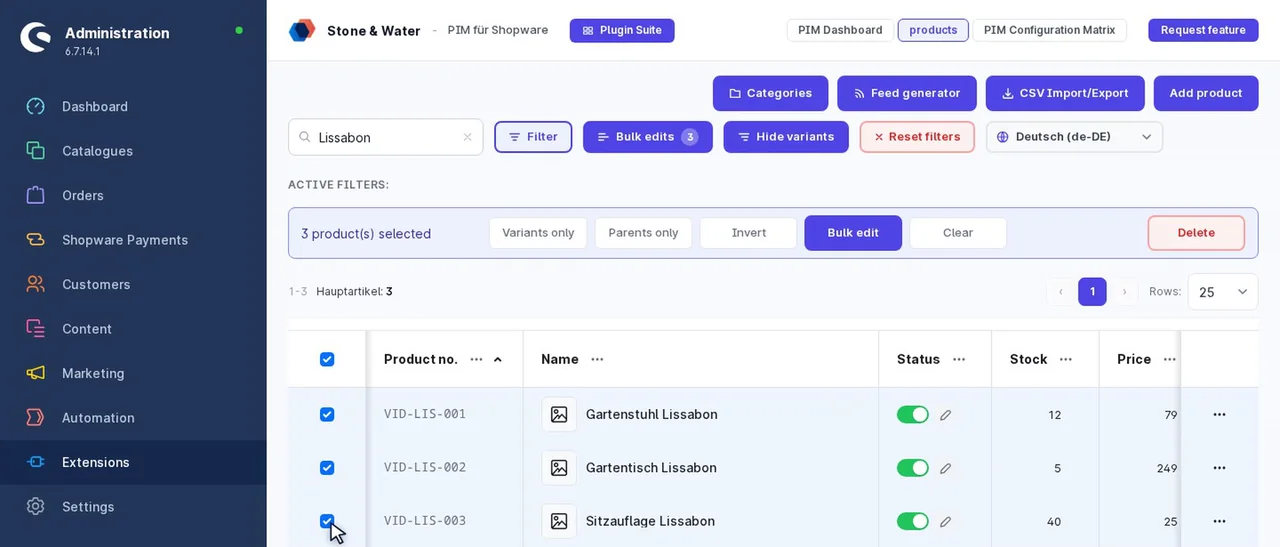
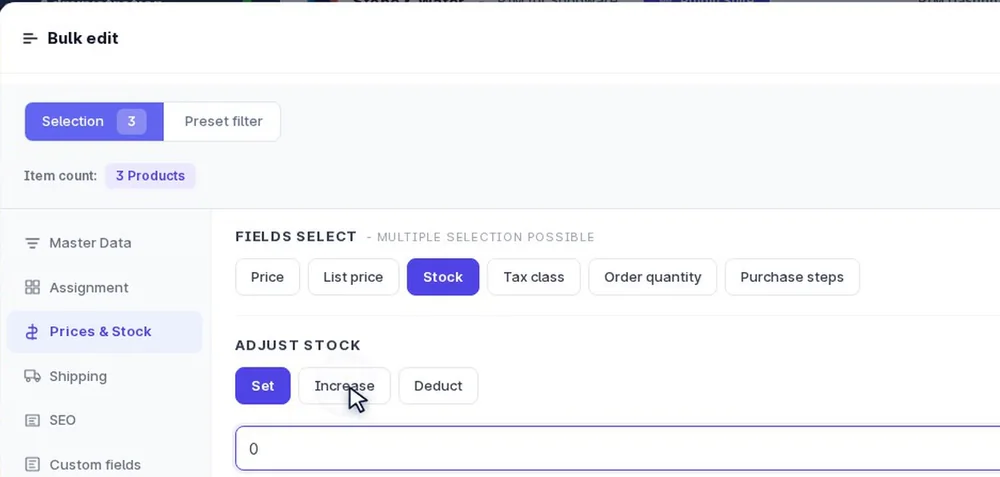
- Select the collection by filter or preset
- Set the release date, variants included if you like
- Via CSV with the releaseDate column
What Shopware uses the release date for
Shopware marks products as new based on the release date. How many days a product counts as new is set in the Shopware settings. Shopware also shows an entered date in the delivery information on the product page.
Set the release date for a collection
- Select products: for example by filtering on category or manufacturer, or as a saved preset of the new collection.
- Open bulk editing and set the release date.
- Include variants: with "Include variants by default" the date also applies to the variants.
- Confirm: a snapshot saves the previous state.
If the collection comes from the supplier as a file, enter the date in the releaseDate column and import it along, see Import Shopware products.
Example: a new arrivals category that fills itself
- Set the release date for the new collection, via bulk editing or import.
- Create a dynamic product group that selects products by release date, for example from a certain date.
- Link a "New arrivals" category to this product group.
New products appear there as soon as their date fits. In the PIM the date can also be output as a feed column.
Frequently asked questions
Can I set the release date for many products at once?
Yes, in the PIM's bulk editing for all selected products and, if you like, their variants.
What does Shopware use the release date for?
Among other things for marking products as new. How long a product counts as new is set in the Shopware settings.
Do variants have a release date of their own?
They can. Without a date of their own they inherit the main product's.
Can I import the release date?
Yes, via the CSV column releaseDate. It is also available as a column in the feed generator.
Can every variant have a different date?
Yes. In variant quick edit and the variant window you set the date per variant. Left empty, it inherits the main product's date.
How do I remove a release date again?
In bulk editing with "Clear fields" for all selected products, or one by one in the detail view.
Further reading
- Shopware 6 bulk editing: all fields for many products
- Filter Shopware products: presets for collections
- Shopware variant inheritance: what variants inherit
- Bulk assign Shopware tags: for campaigns and rules